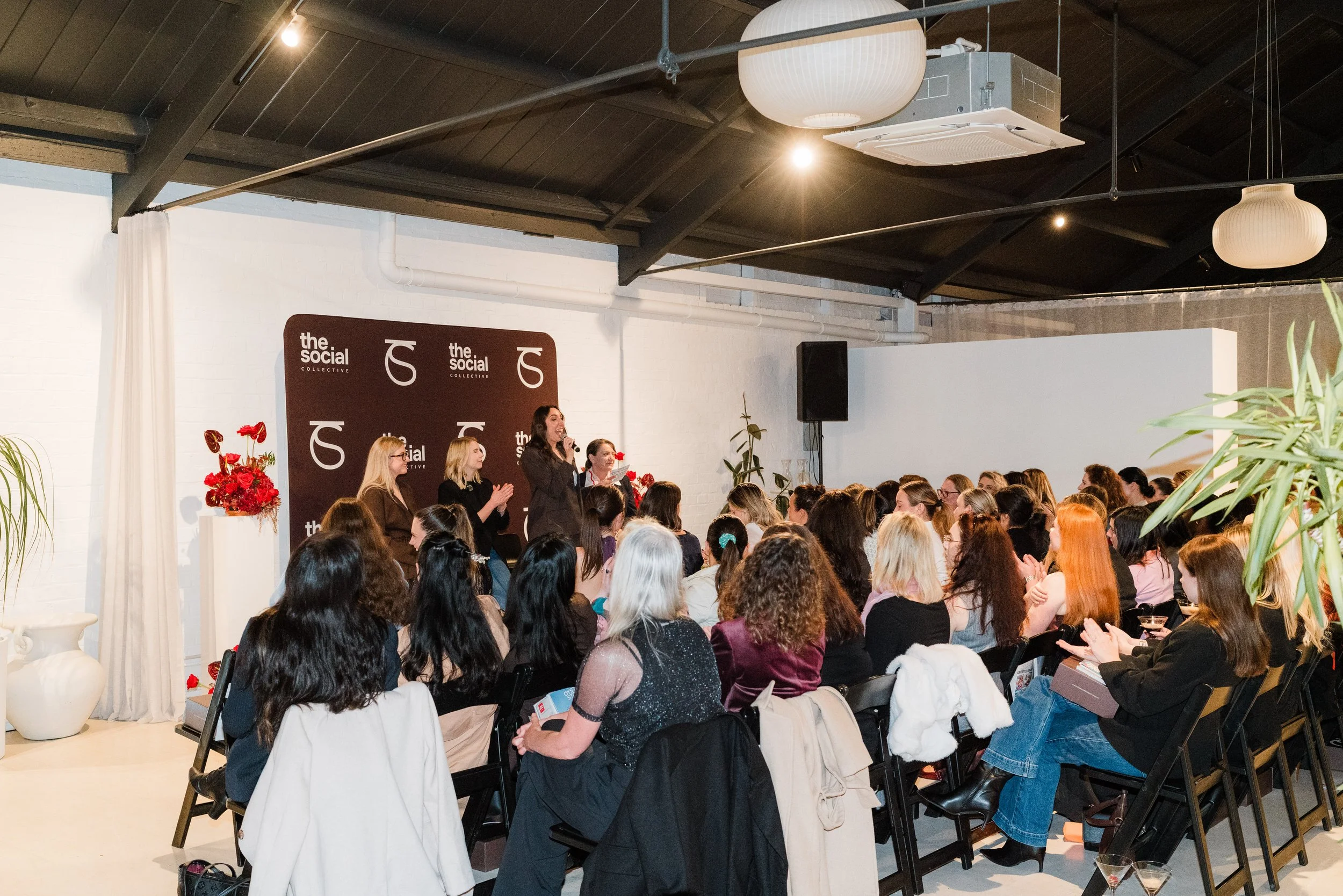
What I learned turning one live panel discussion into two episodes for the Coffees & Content podcast…
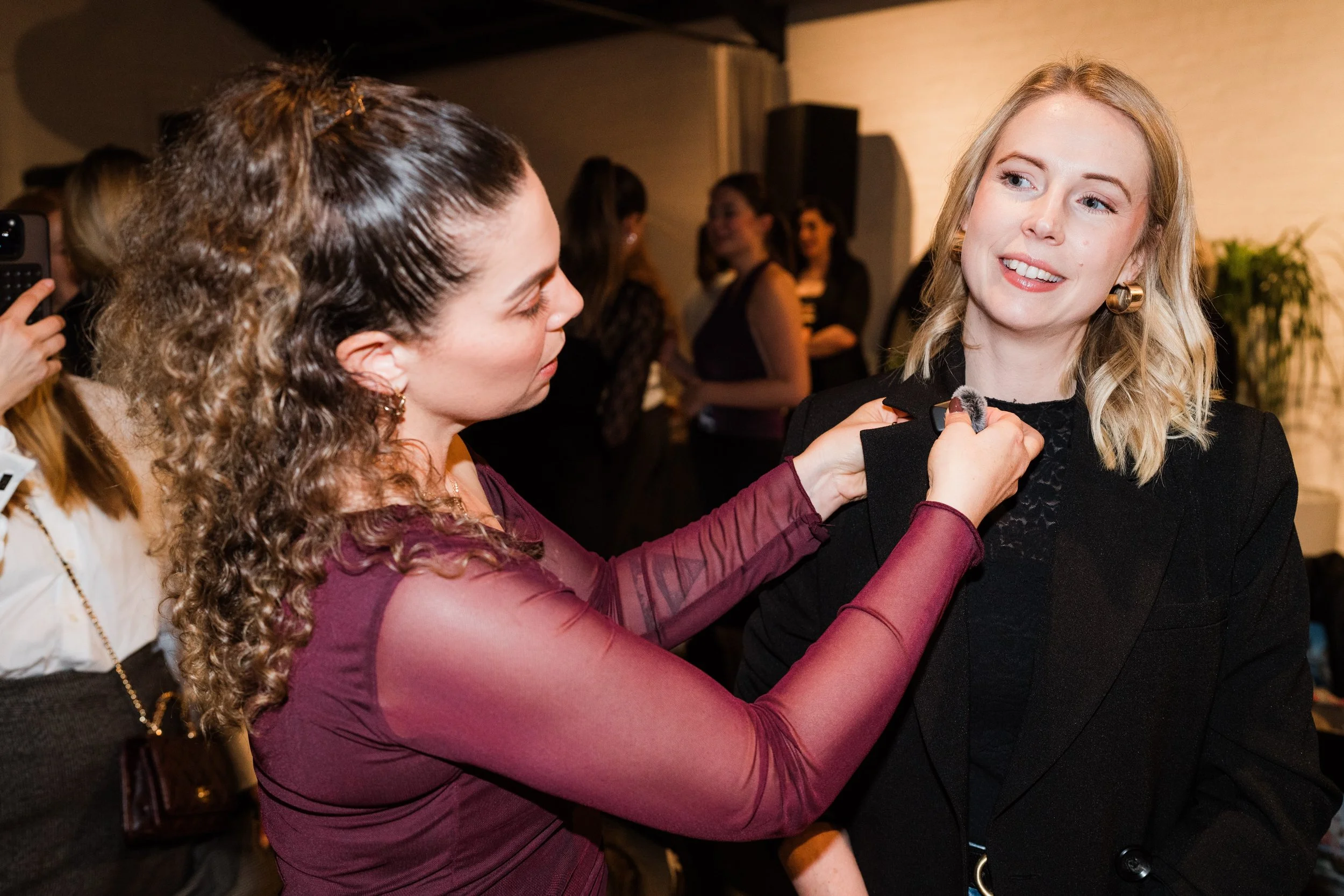
Mic’ing up a speaker for the AI panel discussion at the Cocktails & Conversations event
Recording your event for a podcast is a smart way to repurpose your content, reach people beyond the room, and give your conversations a life long after the event is over.
I found this out firsthand when we recorded a live panel discussion on AI for the Coffees & Content podcast. Four speakers, a room full of people, and a lot of moving parts. It turned into two full episodes, and along the way I picked up a few lessons (some the easy way, some the hard way) that I think will help if you're planning to do the same.
Here's everything I'd tell you before you hit record.
1) Test everything before you start
Are all the mics connected and actually recording? Is the Wi-Fi stable if you're using software like Riverside? Is there any audio feedback or interference? Are all your tracks set to the right recording volume?
It sounds obvious, but it's the step people skip when they're rushing to get a room ready before guests arrive. Taking the time to check all of this pre-event will save you time and potential headaches later, when you're staring down a broken track in the edit and wondering what happened.
If you can, do a proper test recording in the actual space beforehand, not just a quick mic check. Rooms behave differently once they've got people, sound, and equipment in them.
2) Always have a backup plan
Even when you've done all your pre-event checks, things can still go wrong once the event actually starts.
For this event, we had a DJI camera recording as a backup. So if there'd been any issues with the wireless microphones, we'd still have had another source of audio to work with. It's the kind of thing you hope you'll never need, right up until the moment you do.
A backup doesn't have to be fancy. A second recorder, a spare set of batteries, even a phone propped up and recording audio in the corner, it all counts. The goal is simple: if your main setup fails, you're not left with nothing.
3) Think about the room, not just the recording
If there's any chance the footage will be used as a video podcast (ours was), the room matters as much as the mics.
Look for a quiet space with decent lighting and a reliable internet connection if you're recording remotely or streaming any part of it. You don't need a full studio setup, but a bit of thought about where speakers are sitting, what's in the background, and how the light falls on their faces will save you a lot of "can we fix this in post" moments later.
It's also worth a quick word to your speakers beforehand about anything that might be distracting on camera, like jangly jewellery, busy patterns, or anything they'll be fidgeting with for an hour.
4) If there’s a Q&A, have mics for the audience too
Our event wasn't just the panel, it was also an audience Q&A, which became its own episode. If you're planning to record one of these, don't let the audience be an afterthought.
A handheld mic passed around the room, or a dedicated audience mic on a long cable, makes a huge difference. Without it, you'll end up with a recording of four confident panellists and a series of muffled, half-audible questions from the crowd. Plan for it in advance and it's a non-issue. Try to capture it on the fly and you'll be fighting with it in the edit.
5) Put someone in charge of just listening
Once the event is underway, everyone in the room is focused on the content, the guests, the audience, the flow of the conversation. It's easy for the audio itself to become nobody's job.
If you can, assign one person (even informally) to keep half an ear on how everything sounds while it's being recorded. They don't need to do anything unless something goes wrong, but having someone whose only responsibility is "notice if a mic drops out or the levels are off" means you catch problems while you can still fix them, not three days later in the edit.
6) Collect the mics the second it’s over
As soon as the event finishes, make sure everyone removes their microphone.
Not only do you probably not want to accidentally record someone's post-event bathroom trip, you also don't want your expensive equipment walking out the door attached to a guest. And yes, this nearly happened to us.
It sounds like a small thing, but in the general chaos of an event wrapping up, people chatting, packing up, moving on to the next thing, it's easy for a lapel mic to just leave with someone. Make it part of your wrap-up routine, not an afterthought.
7) The recording is only the beginning
Once the event is over, the post-production work begins, and it's often bigger than people expect.
For this event, I had four speakers, multiple microphones, two laptops recording, and video footage to work with. Before I could even start editing, everything had to be synced perfectly so the conversation flowed naturally. That's before any of the actual editing, trimming, or polishing happens.
Plan real time for this stage. A one-hour event can easily mean several hours of post-production before it's ready to publish, and that's worth knowing going in rather than discovering the hard way.
The result
That one live event became two pieces of podcast content for Coffees & Content:
Part 1: The AI Panel (video podcast) — Listen on Spotify
Part 2: The Questions Everyone’s Actually Asking About AI (audio episode) — Listen on Spotify
The moral of the story
Start turning your events into podcast episodes. This was one event, two episodes, and content that lives on well beyond the day itself.
If you're planning your own live event and thinking about recording it, hopefully this saves you a few headaches. And if you give it a go, I'd love to hear how it turns out! Or, you can hire us for your next event. Get in touch here for a quote, we’d love to help.